How to Permanently Delete a Gmail Account: Complete Guide 2026
Deleting a Gmail account is a significant decision with permanent consequences. This guide explains step by step how to safely delete your Gmail account, back up your data, and understand alternatives such as temporary deactivation.
Detailed Guide to Delete Your Gmail Account
Complete procedure, precautions, and alternative solutions
Deleting a Gmail account is IRREVERSIBLE after the 2–4 week grace period. You will lose access to ALL associated Google services (Drive, Photos, Play Store, etc.) and all your data. Carefully follow the backup steps.
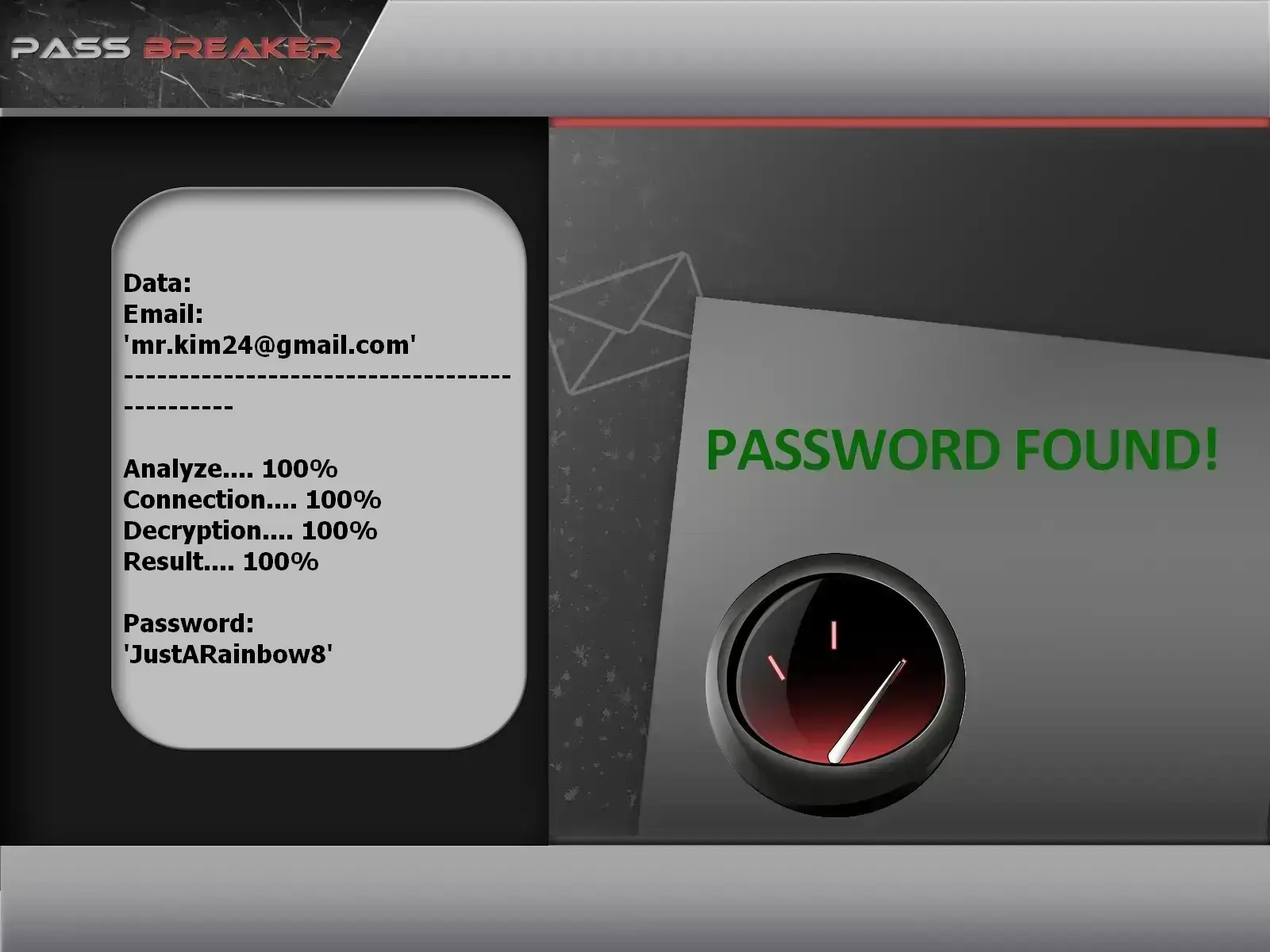
Access Recovery with PASS BREAKER (If Needed)
If you’ve lost access to your account and wish to delete it, the PASS BREAKER application can help you regain access using only the email address. Procedure:
Access account settings: Click "Data & privacy" then "Download, delete, or make a plan for your data"
Select "Delete a service or your account": Choose "Delete your Google Account"
Read warnings carefully: Google lists all services and data you’ll lose
Verify your identity: Enter your password and complete 2FA verification if enabled
Confirm deletion: Check all confirmation boxes and click "Delete account"
Step 3: After Deletion — What Actually Happens
Understand the post-deletion process to avoid unpleasant surprises.
Timeline and Consequences
Grace period (2–4 weeks): Your account is deactivated but recoverable. Log in to cancel deletion.
Progressive data deletion: Google begins erasing your data from active servers.
Email address becomes unavailable: You can no longer send/receive emails, and the address can never be reused.
Loss of Google services: No access to Drive, Photos, Play Store, YouTube (if personal channel), etc.
Final deletion (after 3 months): All traces of your account are removed from Google’s systems.
Alternatives to Permanent Deletion
In many cases, deletion isn’t the only option. Explore these alternatives.
Less Drastic and Reversible Options
Temporary account deactivation: Your account is "frozen" but data is preserved. Reversible anytime.
Change primary email address: Update recovery addresses on important accounts without deleting Gmail.
Account cleanup: Delete only old emails, unsubscribe from newsletters, clear your Drive.
Create an alias: Use Gmail’s "plus addressing" or alias feature for a new address without a new account.
Use a password manager: Isolate your Gmail from other services to reduce risk.
Detailed Consequences of Deleting a Gmail Account
Impact on Google Services and Third-Party Apps
Deletion affects far more than your inbox. Here’s what you’ll actually lose.
Complete List of Losses
Google Drive: All your files, documents, spreadsheets, presentations
Google Photos: All your backed-up photos and videos
Google Play: Purchase history, bought apps, books, movies
YouTube: Personal channel, subscriptions, history, playlists
Google Calendar: All events and calendars
Google Contacts: All synced contacts
Google Authentication: 2FA codes for sites using Google sign-in
External accounts: Any service using this email for login or recovery
Successful Transition Plan to a New Account
If replacing your Gmail with another address, carefully plan the transition.
Methodical Transition Checklist
Create your new email account first: Choose a provider (ProtonMail, Outlook, another Gmail)
Update in order of priority: 1. Bank accounts, 2. Social media, 3. Streaming services, 4. Newsletters
Set up email forwarding: Enable automatic forwarding from old to new account (before deletion)
Notify key contacts: Send a change-of-address email to close contacts and colleagues
Test your new setup: Confirm you receive important emails before deleting
Special Cases: Professional and G Suite Accounts
Deleting a work account follows different rules.
Special Procedures for Professional Accounts
Consult your administrator: G Suite/Workspace accounts can only be deleted by an admin
Transfer file ownership: If leaving a company, transfer Drive files before departure
Review company policies: Some companies retain data after you leave
Back up work emails: Export work-related emails if allowed by policy
Request written confirmation: Get confirmation your account was properly deactivated
Common Mistakes and How to Avoid Them
Typical Pitfalls When Deleting a Gmail Account
Many users regret deletion due to these avoidable mistakes.
List of Mistakes and Solutions
Failing to back up Google Photos: Solution: Export via Google Takeout before deletion
Forgetting Google Play purchases: Solution: Note purchased apps—some can be reinstalled on a new account
Ignoring account recovery setup: Solution: Update recovery addresses on all important accounts BEFORE deletion
Deleting without testing: Solution: Deactivate first for a month to ensure everything works
Confusing account deletion with service deletion: Solution: You can delete only Gmail while keeping other Google services (available in settings)
Conclusion: Delete Your Gmail Account with Full Awareness
Permanently deleting a Gmail account is a major decision requiring careful preparation. By following this step-by-step guide—complete data backup, understanding consequences, and planning your transition—you’ll avoid regrets and data loss. Remember: temporary deactivation remains a safer option if you’re unsure.
Final Checklist Before Permanent Deletion
✅ I’ve backed up all important emails via Google Takeout or forwarding
✅ I’ve downloaded all photos and files from Google Drive/Photos
✅ I’ve updated my email address on all critical accounts (bank, social media)
✅ I’ve informed key contacts of my address change
✅ I’ve confirmed this email is no longer used for 2FA elsewhere
✅ I’ve tested my new email address for at least 2 weeks
✅ I understand the 2–4 week grace period during which I can still cancel
✅ I’ve considered temporary deactivation instead of permanent deletion
Need help deleting your Gmail account?
Deleting a Google account can be technical and stressful—especially if you have important data or uncertainties about the consequences. Our Lifee expert team can guide you through the entire process: audit your critical data, assist with backup, provide step-by-step deletion support, and advise on a smooth transition to a new email account.
Frequently Asked Questions About Gmail Account Deletion
Detailed answers to the most common questions about permanent deletion
Can I delete only Gmail without deleting my entire Google Account?
Yes, it’s possible. In your Google Account settings, go to "Data & privacy" → "Download, delete, or make a plan for your data" → "Delete a service or your account" → "Delete a Google service." Select Gmail. Note: you’ll lose all emails but retain access to other Google services (Drive, Photos, etc.) with the same address.
How long are data retained after deletion?
Google retains data for 2–4 weeks (grace period) during which you can cancel deletion. After that, permanent deletion begins but may take up to 3 months for all data to be erased from all systems and backups. During this time, some data could theoretically be retrievable by Google under legal request.
What should I do if I’ve already deleted my account and regret it?
Act immediately! 1) Try logging in during the grace period (2–4 weeks). If successful, cancel deletion. 2) If the period has passed, use Google’s account recovery form with as much info as possible (old passwords, creation dates, etc.). 3) Contact Google Pay support if you had associated payments. Unfortunately, recovery is nearly impossible after 3 months.
Can my deleted Gmail address be reused by someone else?
No. Google never reuses deleted email addresses. Your old "@gmail.com" address can never be used again—by anyone, including you—even if you change your mind. This is why absolute certainty is crucial before permanent deletion. This policy also prevents identity theft.
How do I delete a Gmail account of a deceased person?
Google has a specific process: 1) Gather documents (death certificate, deceased’s ID, proof of your relationship). 2) Use Google’s “Request regarding a deceased user’s account” form in the Help Center. 3) Google may provide account data to heirs or close the account per stated wishes. 4) The process takes several weeks and requires legal validation.
Is deletion instantaneous, or is there a delay?
Deletion starts immediately after confirmation but is not instantaneous. Your account becomes immediately inaccessible (you can’t log in), but data persists during the 2–4 week grace period—allowing cancellation if needed. After that, active server data is erased, though residual copies may remain in backups for up to 3 months.


 Français